October Update
What's new in October:
Group chats – work with colleagues and AI in one chat
Skills – explain your way of working to amber once and reuse it again and again
Office add-ins – amber is now also available in Word, Excel and PowerPoint
MCP Apps – interactive interfaces like draw.io right in the chat
Automate MCP write access – "Always allow" for write MCP tool calls
New models – Claude 5.5 and GPT 6 model families
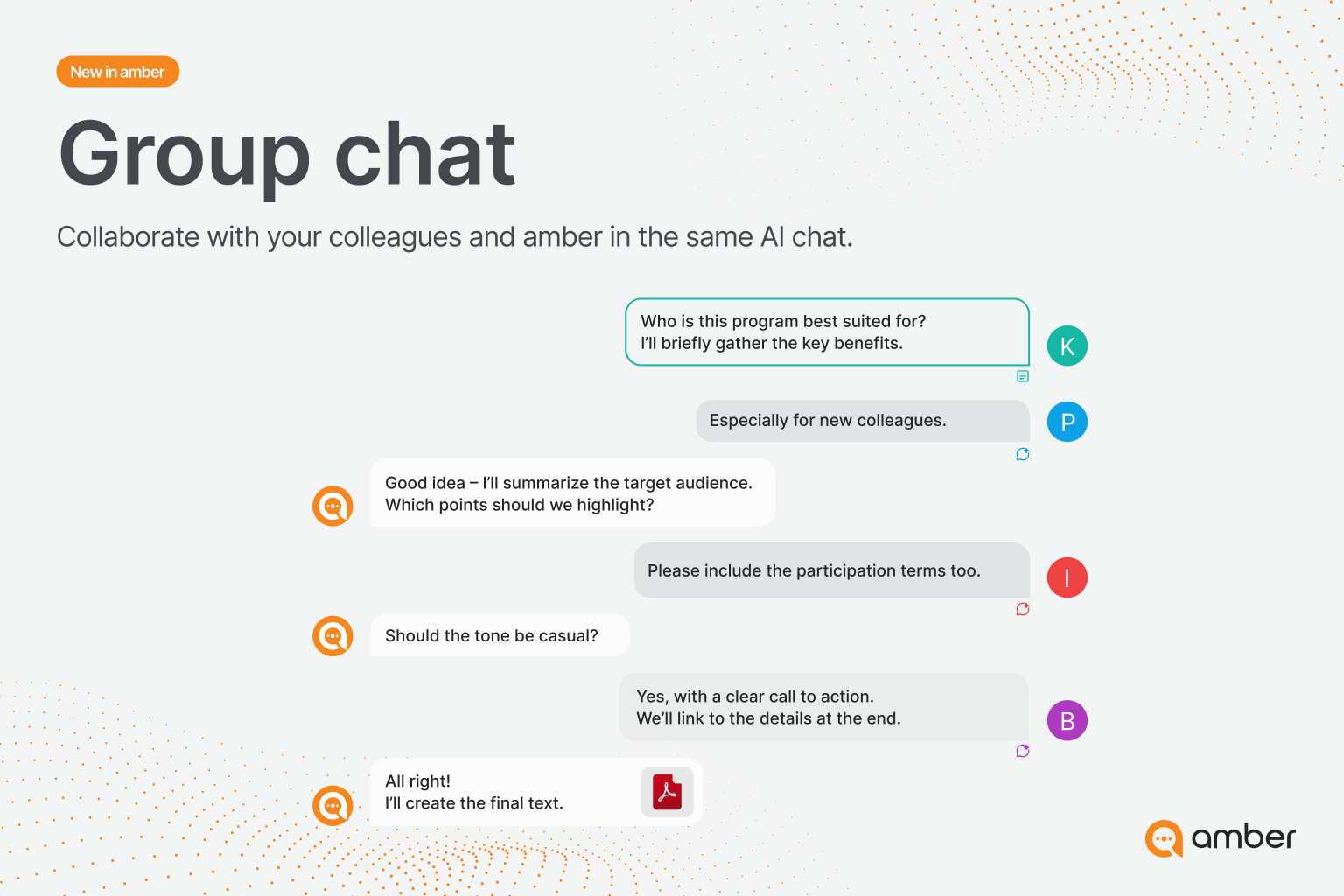
Work with your colleagues in a shared chat and bring in the AI whenever you need it. This makes group chats with AI possible, with the correct read permissions on company data for the entire group, of course.
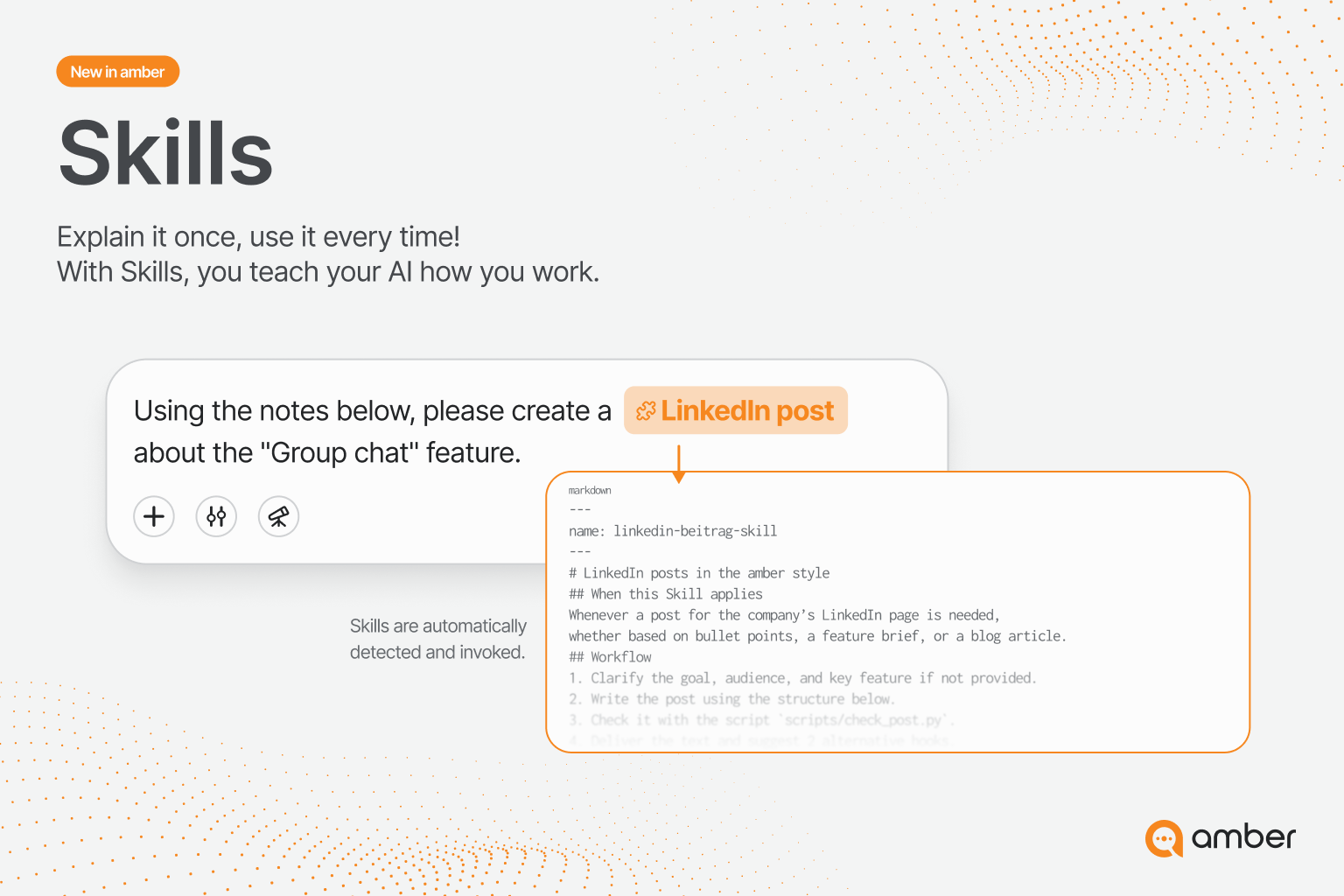
The well-known feature from the AI world can now be part of your everyday work, too. Teach amber how a LinkedIn post is structured in your team. amber automatically recognizes matching skills and applies them. You can create, import and share your own skills, or get started right away with ready-made templates such as the PowerPoint skill.
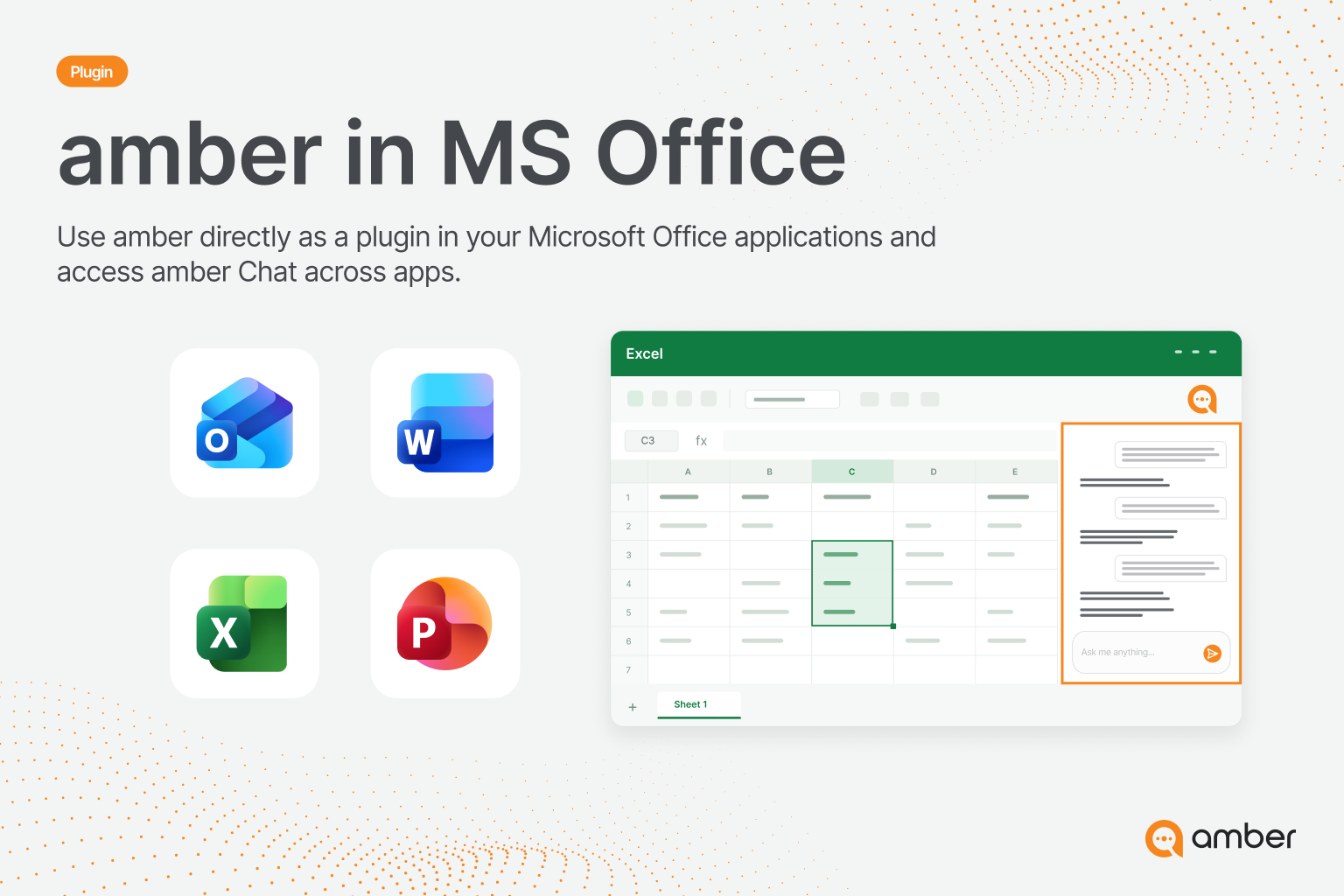
Revise, analyze and correct content directly in the open document, without uploading it to the web app. Add-ins are available for Word, Excel and PowerPoint.
Learn more about the Office add-ins
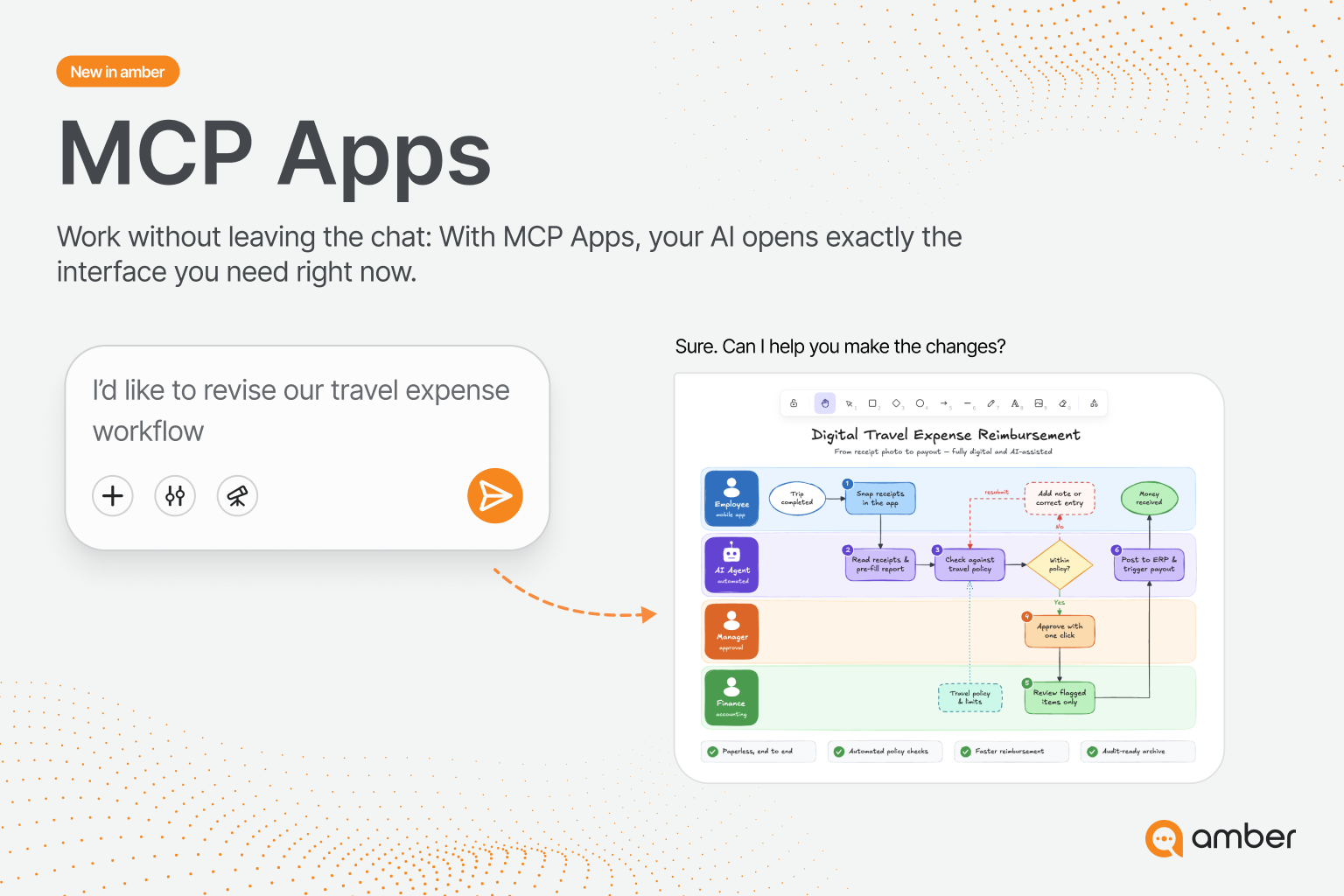
Some tasks need more than text. With MCP Apps, amber opens the right interface directly in the chat, for example for process diagrams you work out with amber. At launch, Excalidraw, draw.io and Asana are supported.
Automate MCP write access
You can now set write MCP tool calls to "Always allow". This makes even complex automations possible.
Security and control remain the top priority: when setting up an MCP, admins decide which tool calls they consider safe for their organization. In Outlook, for example, amber can create email drafts on its own, while sending them can remain a manual decision.
New models in amber
As always, we've made new models available in amber right after their release. These models have been added over the past few weeks:
GPT 6 / 6.1 Sol
GPT 6 Luna
Opus 5.5
Sonnet 5.5
Haiku 5.5
As always, we look forward to your direct feedback so we can keep improving amber based on your needs. Leave your feedback at support@amber.de