Changelog

Follow new updates and improvements to amber.

September Update

We have rolled out new features based directly on your feedback.


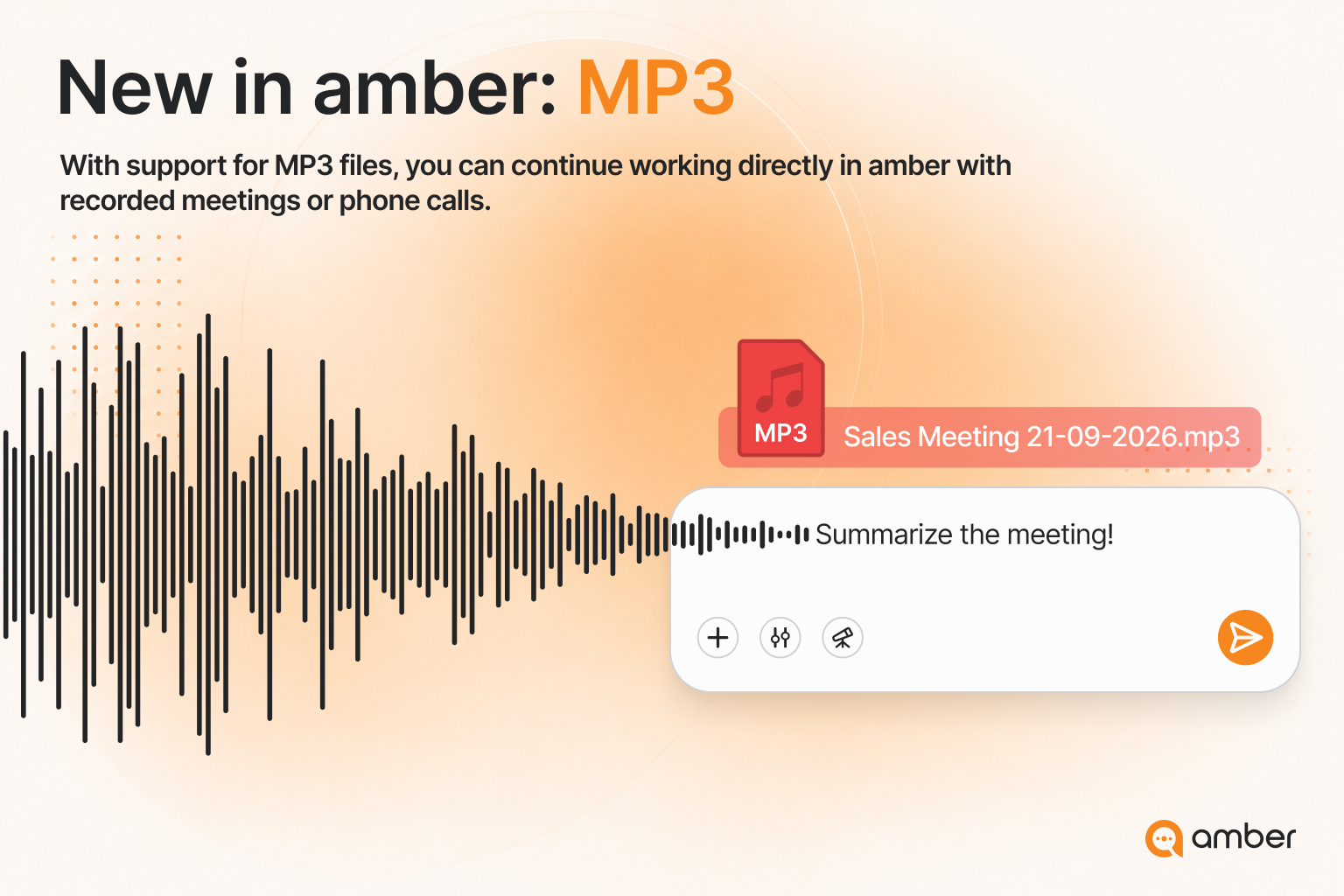
Transcribe audio or meeting recordings directly in amber. From there, you can summarize key takeaways and extract open action items—turning any recording into a clear meeting summary and a concrete task list in just a few steps.


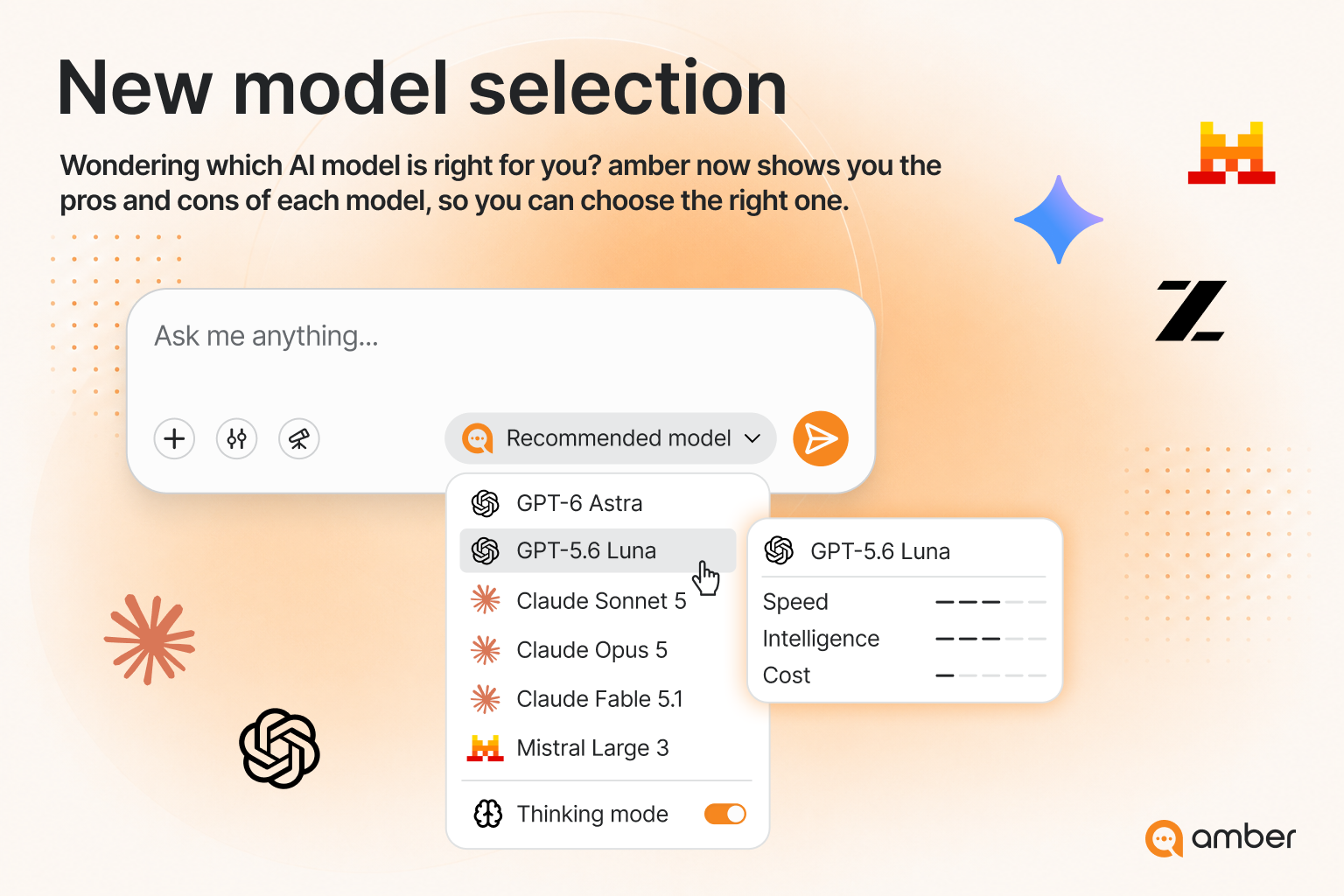
For every model, you now see a clear breakdown of performance, cost, and speed. New and premium models are clearly highlighted with a badge, making it faster to choose the right model for your task.

In addition, Thinking Mode is now available for supported models, unlocking extra power for demanding tasks—such as complex analyses or multi-step questions.


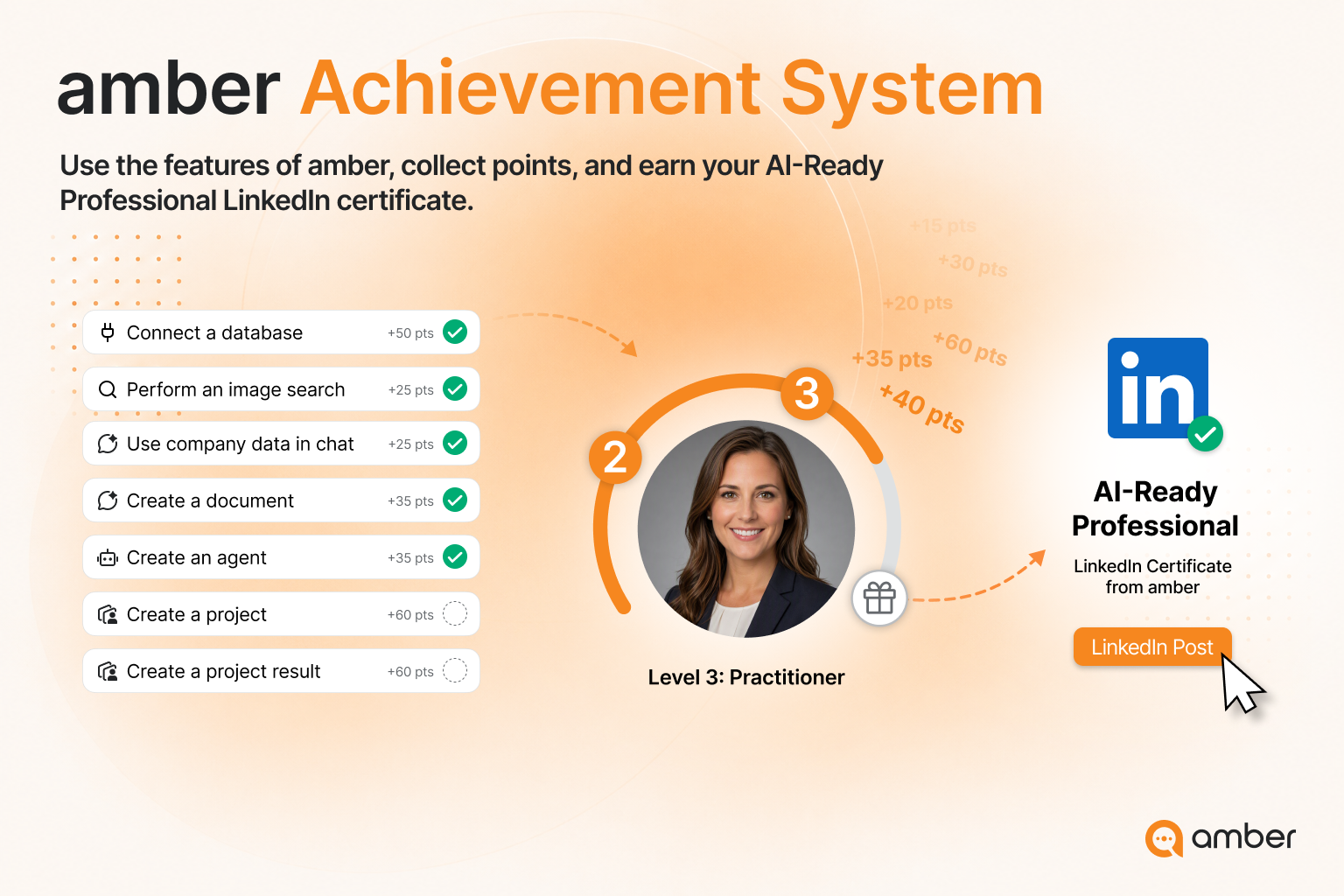
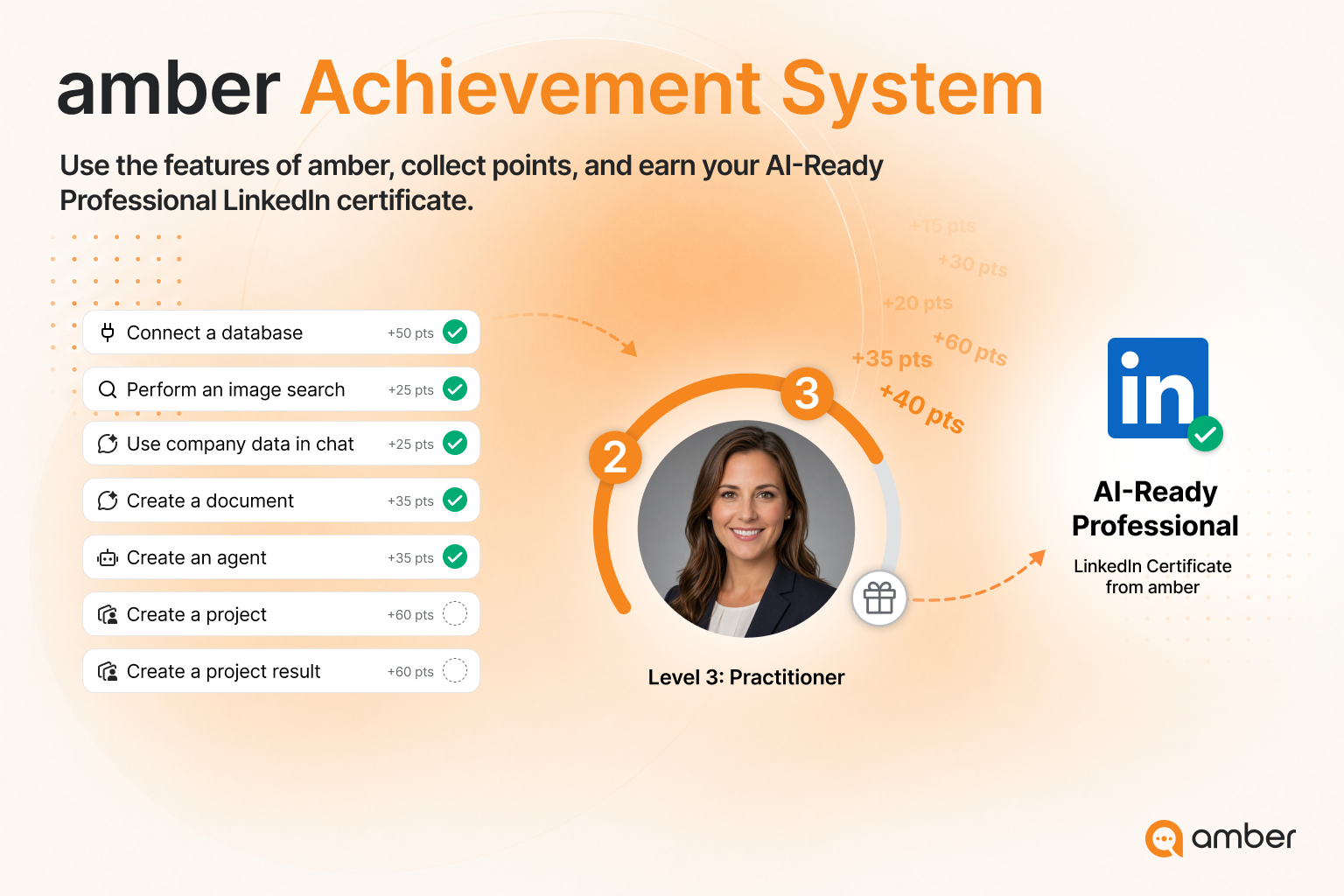
The achievement system introduced in August is now available to all users. Once you reach Level 4, you can share your certificate on LinkedIn and celebrate your progress with your network.


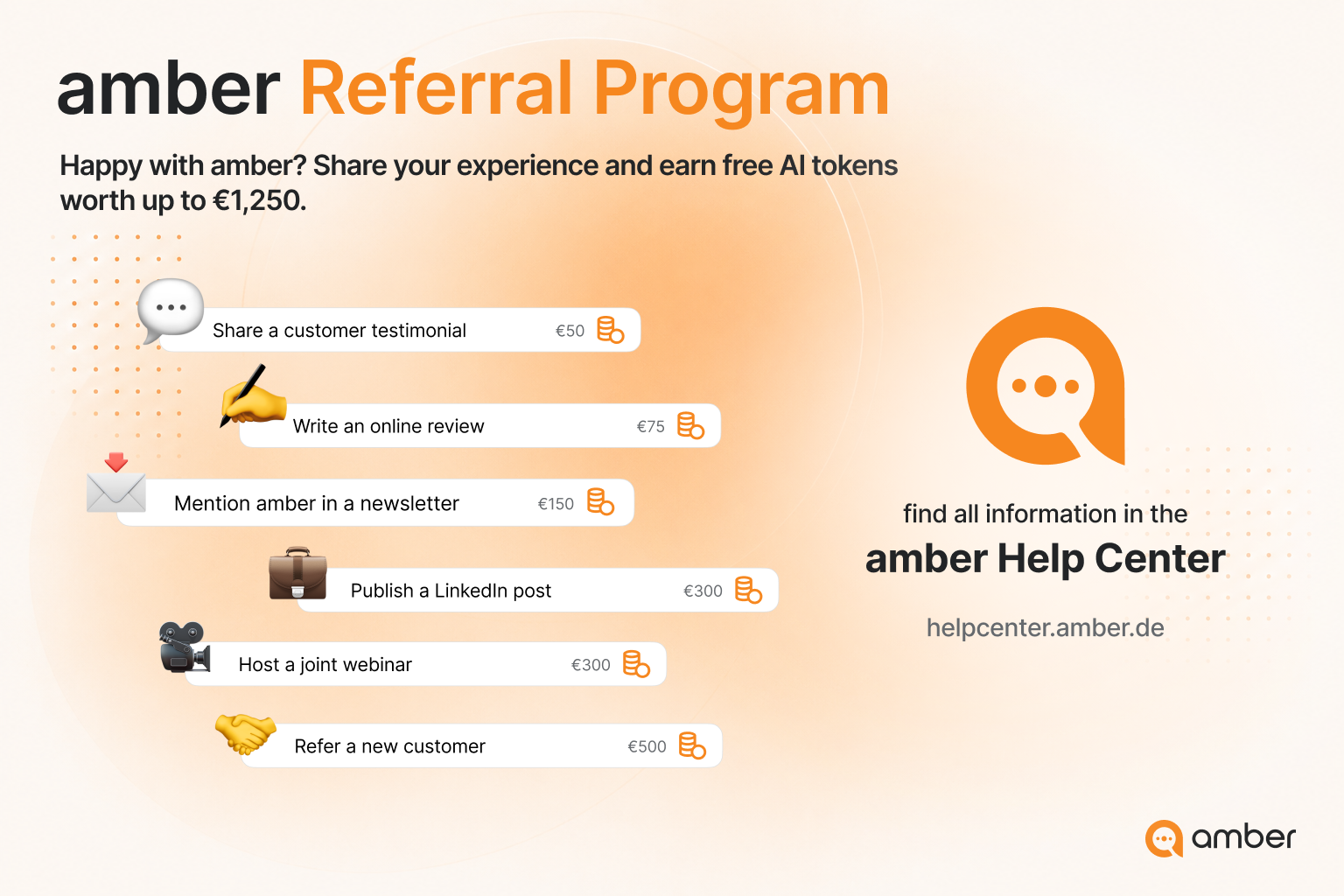
Refer amber and earn free AI Credits. For six defined activities, we will credit your company account with AI Credits that you can use directly for API usage and premium models.

You can find all the details in our Help Center


Try out the new features and let us know how they support your day-to-day work. We are already working on the next release and will be back with more updates soon!

August Update

Hi everyone!

With this release, amber can do even more for you: take action directly in your most important systems or automate recurring work. You can also discover amber’s capabilities more easily and find more of your files in the Library.

Here’s everything included in this release:


Actions

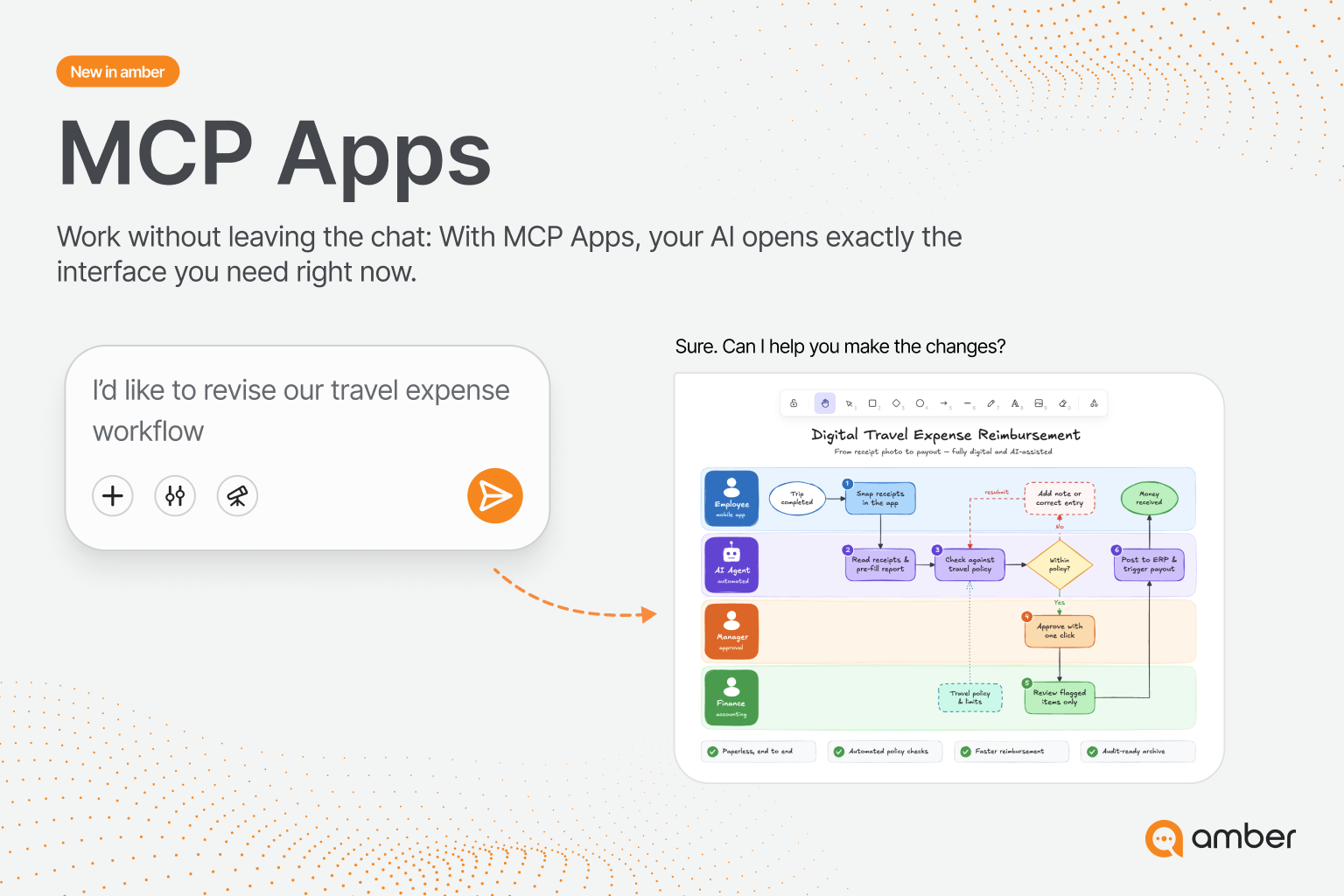
MCPs are now called Actions. Connect more than 50 systems in just a few clicks and let amber complete tasks for you directly from the chat.

With the Office Actions Suite, you can send emails, schedule meetings, write Teams messages, and manage files and tasks. Actions are also available for Slack, Jira, GitHub, Notion, HubSpot, and many other systems.

Actions can also be integrated into agents to complete entire workflows. You remain in control of which Actions amber can access and execute.


Achievements

The new Achievement System makes it even easier to discover amber. Complete tasks, earn points, and learn about new features and use cases along the way.

Your points take you from Explorer (Level 1) to AI Professional (Level 4).

When you reach Level 4, amber awards you an “AI-Ready Professional” LinkedIn certificate, which you can download and add directly to your LinkedIn profile.

The Achievement System makes your progress visible, encourages you to try new AI workflows, and helps you develop your practical AI skills.

Can’t see Achievements yet?

Don’t worry—we’ll be rolling out the feature gradually over the next four weeks.


Planned: Automate recurring work

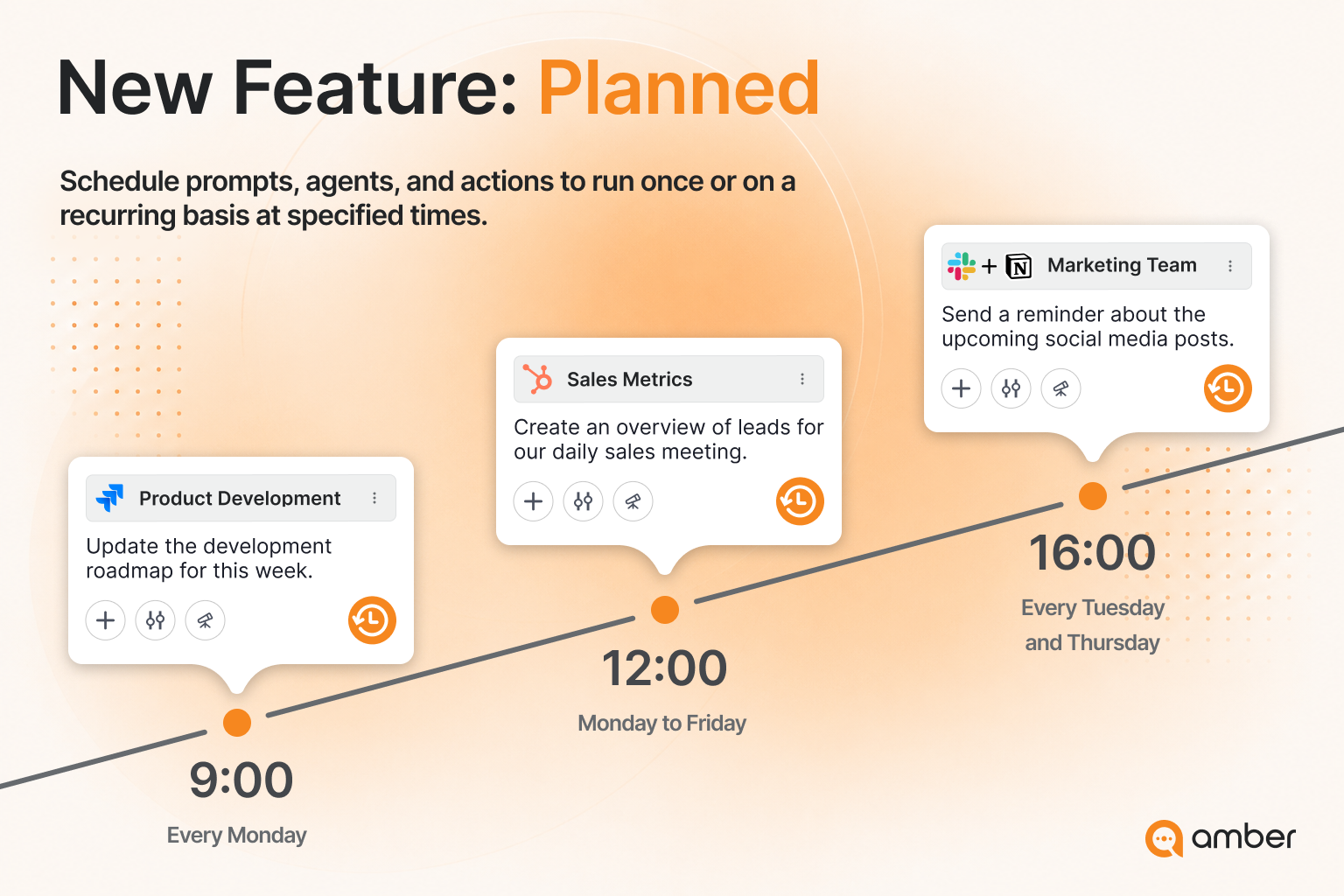
With Planned, you can automatically run one-time or recurring tasks at a scheduled time. Combine chats, agents, Actions, and selected knowledge sources.

Whether it’s a weekly market overview, a summary of new documents, or a recurring team update, set up the workflow once and amber handles the rest. You’ll receive an email when the task is complete.

This keeps recurring routines running reliably without the need to trigger them manually each time.

A launch gift!

Every user can create unlimited plans through the end of 2026.


Library updates

Based on your feedback, we’ve added new features to the Library:

  • Shared folders: People you’ve shared a folder with can now upload files to it.

  • Chats and agents: Files uploaded in chats or agents can now also be found in your Library.


Chat

Chat also gets new capabilities with this update:

  • Google’s new Gemini 3.7 Flash model is now available.

  • Chats can now be branched: start a new chat from any response while keeping the same content and context.


That’s our August update! Try the new features and let us know how they support you in your daily work.

Your amber team

New: amber Ideas

amber Ideas shows you what you can do next, based on your role and the documents you recently worked with.

What can amber Ideas do?

Recommend next steps: Get concrete suggestions for how to continue your current work in a meaningful way.

Suggest relevant prompts: Discover prompts that match your documents, tasks, and goals.

Help you discover amber features: Find the amber features that can best support your work more quickly.

What does this mean for you?

You no longer have to start from scratch every time or figure out which prompt or amber feature could help you next. amber Ideas gives you relevant recommendations directly, so you can move forward faster and make your workday easier.

New models

amberAI now supports additional modern models: GPT-5.6 Sol, Terra, and Luna. This gives users more flexibility to choose the right model for each task.

  • GPT-5.6 Sol: The most powerful model in the family, designed for the most demanding tasks, including complex programming, research, and multi-step problem-solving.

  • GPT-5.6 Terra: The balanced mid-tier model, combining performance, speed, and cost efficiency for most everyday professional tasks.

  • GPT-5.6 Luna: The fastest and most affordable model, optimized for high-speed, cost-efficient standard tasks.

Image Generation Models

New models are also available for image generation: Gemini 3.1 Flash Image and Gemini 3.1 Flash Lite Image.

  • Gemini 3.1 Flash Image combines high image quality with creative control, making it particularly suitable for sophisticated visuals and precise image editing.

  • Gemini 3.1 Flash Lite Image is optimized for fast, cost-efficient generation and is ideal for previews, variations, and high-volume workflows.

Earlier updates